How to Create Editorial Paper Cutout Animations with AI (Midjourney + ChatGPT)
If you're reading this, you probably came from my Instagram.
First of all, thank you.
A lot of people think the magic is in AI. It isn't.
The magic is in directing the AI. Once you understand visual styles and the language, you can create almost any video you can imagine.
The Workflow
Think of it like filmmaking.
Story comes first, then design comes, then the animation. For the purposes of this article, I will be focusing on design.
Video editors can easily create a paper-cutout animation collage on editing softwares using one image.
But with AI, you will need 2 still images.
A plain one that will act as the start frame.
And the final image with all the elements that will be the end frame.
I used ChatGPT to create the images and Midjourney for the animation.
You can use whichever tool you are comfortable with.
Step 1
Create your empty background. Think of it like your canvas.
The more negative space you leave, the more room the animation has to grow.
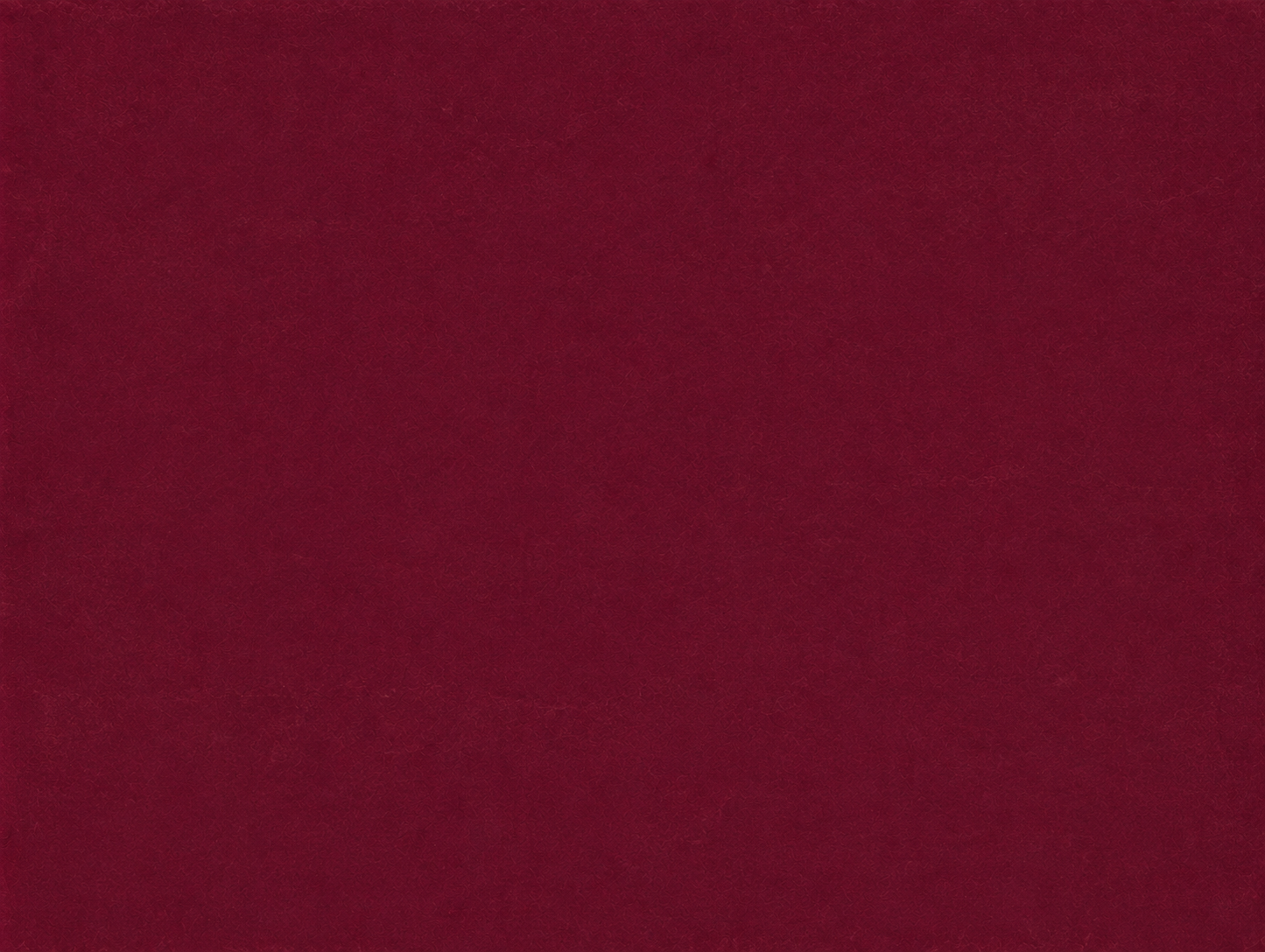
Prompt:
Create a minimal editorial paper background with no objects, no people, no text, no shadows, and no focal subject. Use a rich deep burgundy and wine-red color palette with subtle tonal variation and an even matte finish. The surface should resemble premium handmade paper with realistic fibers, fine paper grain, soft texture, and gentle imperfections. Keep the composition completely clean with generous negative space for future collage elements. No borders, no decorations, no lighting effects, no gradients strong enough to distract. Premium editorial aesthetic, tactile paper texture, timeless, handcrafted, high-resolution, 4:3 aspect ratio.
Prompt Formula
Create a minimal [BACKGROUND STYLE] with no objects, no people, no text, no shadows, and no focal subject. Use a [COLOR PALETTE] with subtle tonal variation and a matte finish. The surface should resemble [MATERIAL] with realistic texture, paper fibers, fine grain, and gentle imperfections. Leave generous negative space for future collage elements. Avoid decorations, borders, strong gradients, patterns, or distracting details. Premium editorial aesthetic, handcrafted, tactile texture, timeless, high-resolution, [ASPECT RATIO].
STEP 2
The end frame! Don't think about animation yet.
Think like a magazine editor.
Where should the eye travel? Where should the biggest object sit? Where does the title belong?
Animation is just composition that moves.
You can checkout Instagram or Pinterest for inspiration. Just search "Magazine Paper Cut-out Collage"
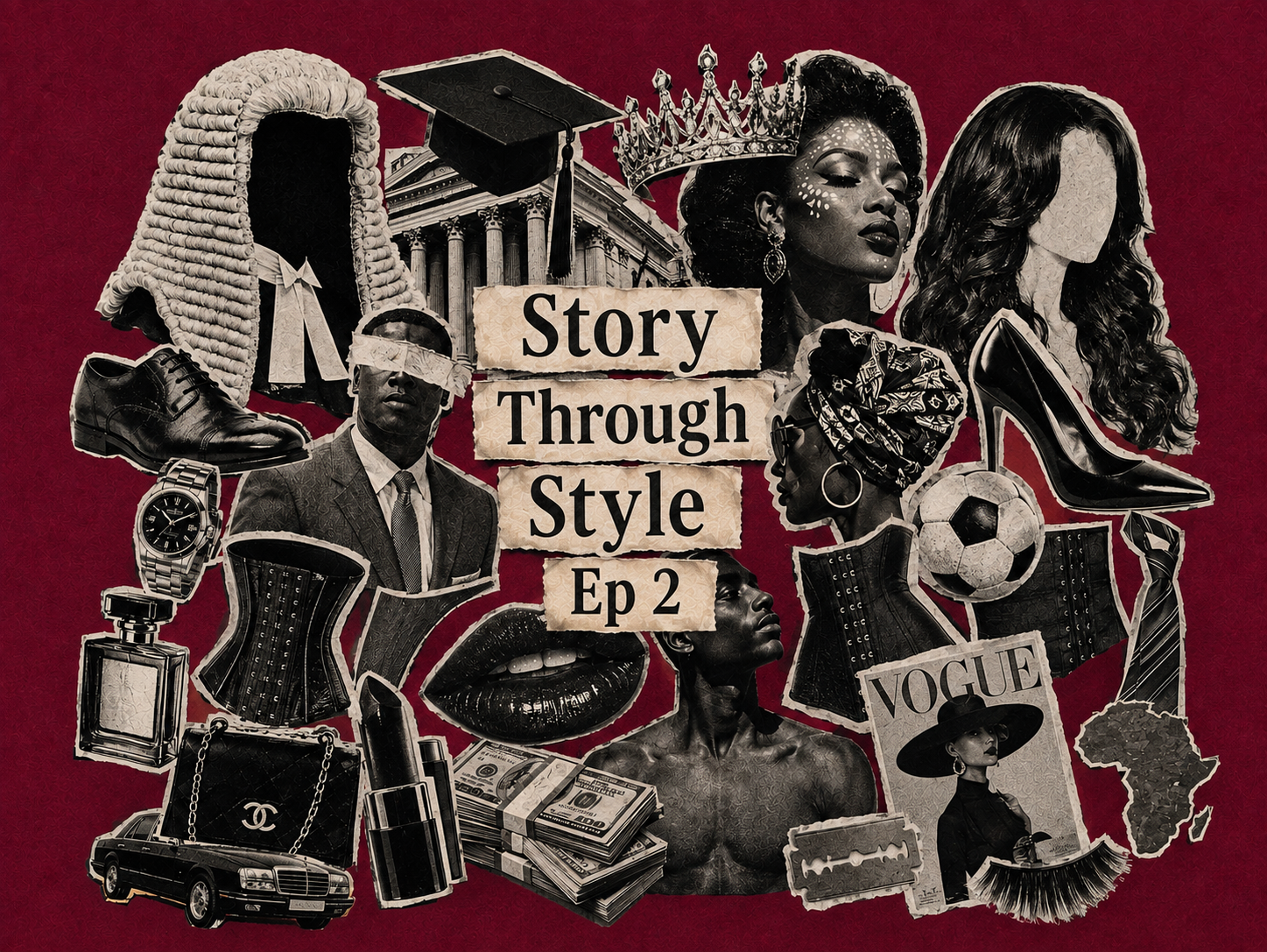
After creating the plain canvas on ChatGPT, I asked it to add the cutouts above in the same chat.
"Arrange realistic black-and-white magazine cutouts with torn paper edges and visible paper texture. Include iconic cultural symbols such as a judge's wig, graduation cap, courthouse, crown, African woman with traditional face paint, faceless fashion wig, high heel, suit and tie, luxury watch, perfume bottle, corsets, lipstick, luxury handbag, vintage Vogue magazine, sports ball, cash, luxury car, razor blade, Africa silhouette, and expressive portrait photography on the background you generated above."
If using a different image generating tool, you can use the formula below:
Prompt Formula:
Create a dense editorial paper collage on a [BACKGROUND]. Arrange realistic [IMAGE STYLE] cutouts with torn paper edges, visible paper fibers and handcrafted imperfections. Include [OBJECTS]. Layer every object naturally with overlapping composition, realistic paper shadows, subtle depth and tactile paper texture. Place [TITLE] in the center using torn vintage paper labels with [FONT STYLE]. The composition should feel like [STYLE]. Use a limited [COLOR PALETTE] with premium editorial art direction, analogue collage aesthetic, magazine cover composition, balanced visual hierarchy, handcrafted paper cutout style, realistic shadows, high resolution, [ASPECT RATIO].
STEP 4
Open Midjourney.com
It is a paid subscription feature of $10 a month.
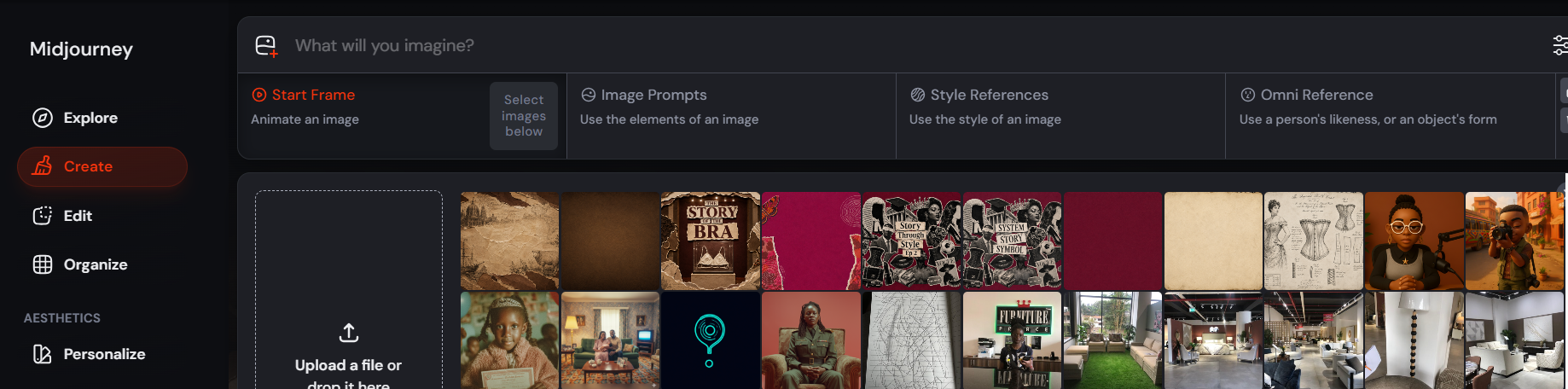
Upload both images into Midjourney Video.
Midjourney has a start frame and an end frame option for video creation.
Upload your blank image as the start frame.
Use your finished collage as the end frame.
For the prompt; think in layers. Every piece should appear as an individual cut-out for a clean animation effect.
This is the prompt I used:
Stop-motion paper collage assembling itself. Black-and-white paper cutouts rapidly slide, rotate and stack into an organized editorial composition on a burgundy paper background. Every symbol lands with satisfying paper friction and tiny bounce: judge's wig, corset, lipstick, high heels, passport, necktie, graduation cap, wedding ring, beads, waist trainer, business suit and ceremonial objects. Handmade magazine collage, tactile shadows, analog print imperfections, static camera, premium editorial motion design.
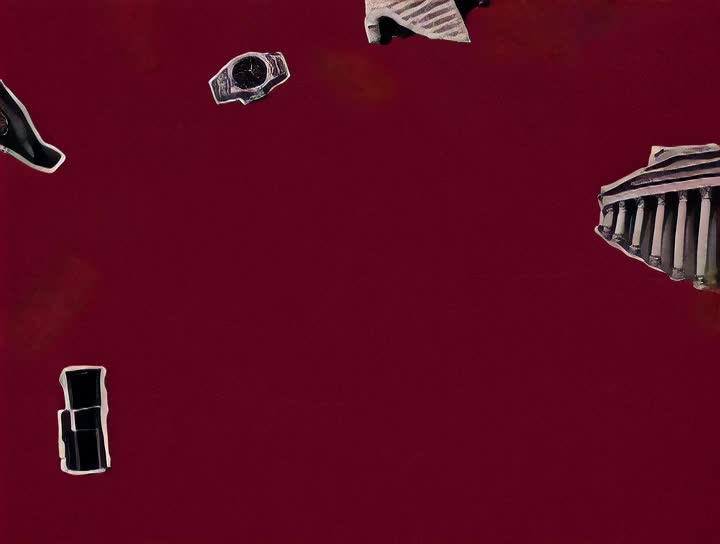
Check out the full video here:
Check out the full 2 minute-long episode here: Story of the Bra
AI isn't creative. It's descriptive.
The more precisely you describe movement, texture, timing and composition, the more intentional your work becomes.
Here's a vocabulary list I keep coming back to.
Motion
These describe how things move.
- stop-motion
- handcrafted movement
- tactile movement
- subtle jitter
- frame-by-frame
- imperfect movement
- organic movement
- analogue motion
- staggered movement
- cascading motion
- rhythmic movement
Paper
These describe what things are made of.
- torn paper
- ripped edges
- layered paper
- textured paper
- vintage paper
- scrapbook collage
- editorial magazine cutouts
- handmade paper
- aged paper
- folded paper
- paper fragments
Reveals
These describe how elements appear.
- paper tears open
- layers peel back
- reveal underneath
- hidden collage emerges
- paper unfolds
- ripped transition
- sequential reveal
- layered reveal
Timing
These are the words that make animations feel expensive.
- one element at a time
- delayed entrance
- staggered timing
- asynchronous movement
- rhythmic timing
- elements settle naturally
- overlapping motion
- slow reveal
- cascading reveal
Depth
These create realism.
- paper shadows
- subtle depth
- layered composition
- overlapping elements
- realistic shadows
- tactile texture
- dimensional collage
- slight imperfections
Thank You
If you've made it this far, thank you.
I genuinely hope this guide helps you spend less time fighting AI and more time directing it.
Remember to create and define your own visual style. Have fun with it!!!!
See you in the next Story Through Style.
Mercy | Mutistar Ink